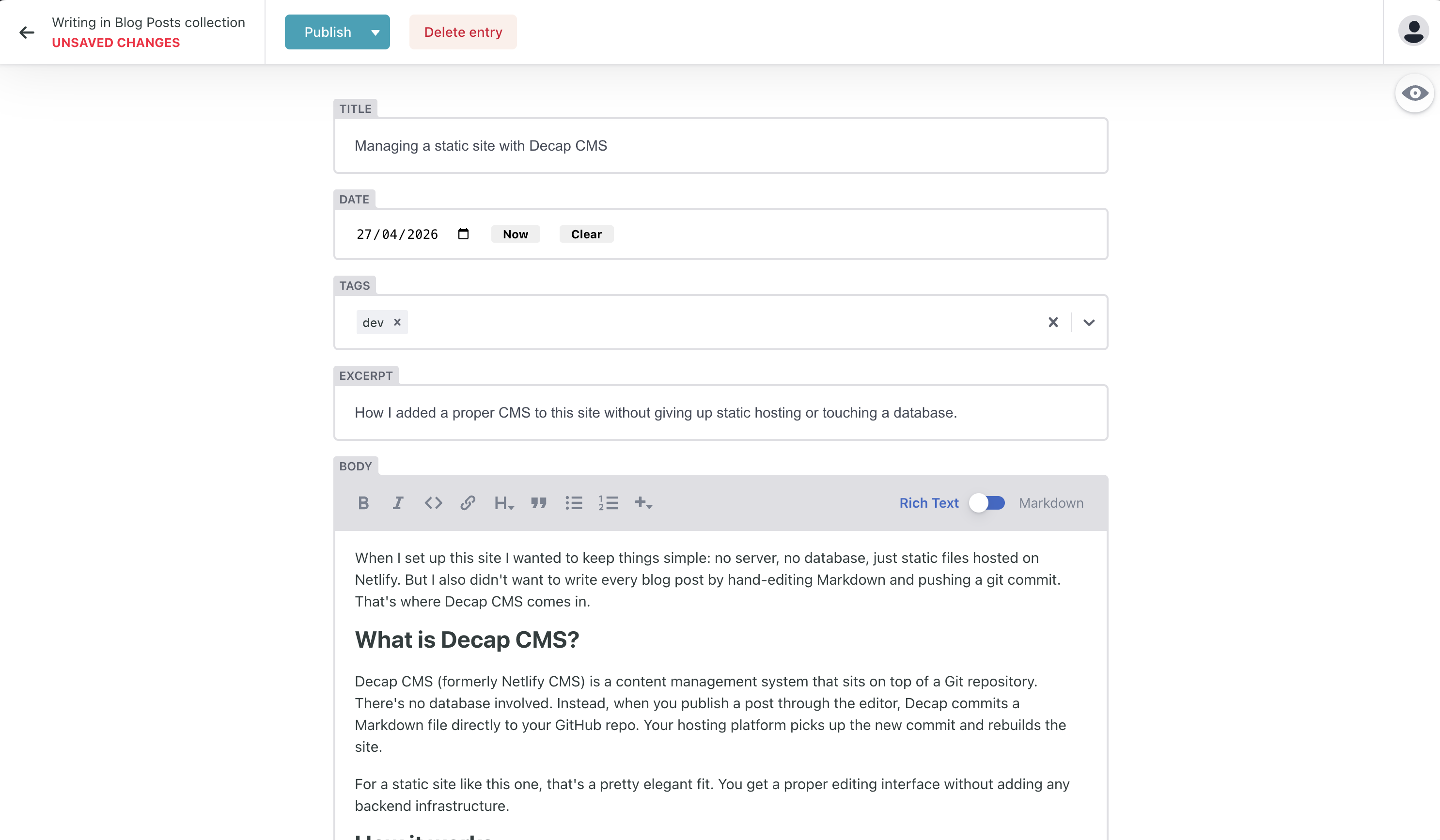
When I set up this site I wanted to keep things simple: no server, no database, just static files hosted on Netlify. But I also didn't want to write every blog post by hand-editing Markdown and pushing a git commit. That's where Decap CMS comes in.
What is Decap CMS?
Decap CMS (formerly Netlify CMS) is a content management system that sits on top of a Git repository. There's no database involved. Instead, when you publish a post through the editor, Decap commits a Markdown file directly to your GitHub repo. Your hosting platform picks up the new commit and rebuilds the site.
For a static site like this one, that's a pretty elegant fit. You get a proper editing interface without adding any backend infrastructure.
How it works
The setup has three moving parts:
1. The admin panel lives at /admin/. It's a single-page app that Decap serves, so you just need an index.html there that loads the CMS script.
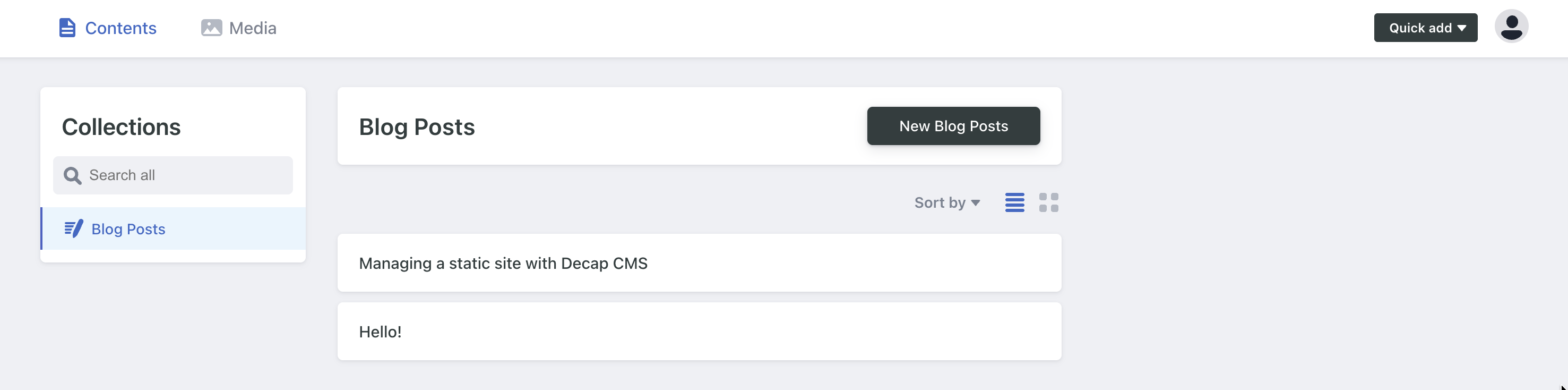
2. config.yml is where you define your content structure. It tells Decap which folder your posts live in, what fields each post has, and what kind of input to show for each field. For this site it looks roughly like:
collections:
  - name: posts
    folder: posts
    fields:
      - { label: Title, name: title, widget: string }
      - { label: Date, name: date, widget: datetime }
      - { label: Tags, name: tags, widget: select, multiple: true }
      - { label: Body, name: body, widget: markdown }
Each field maps to a piece of frontmatter in the generated Markdown file.
3. Netlify Identity handles authentication. Rather than managing users yourself, you use Netlify's Identity service to invite editors by email. When someone logs into /admin/, Netlify Identity verifies them and grants the CMS permission to commit to your repo via Git Gateway.
The publish flow
When you hit Publish in the editor:
- Decap creates or updates a Markdown file in the
posts/folder - That change gets committed to your GitHub repo
- Netlify detects the new commit and triggers a rebuild
- A minute or so later, the post is live
What I like about it
The main thing is that the content stays in git. Every post has a full history, you can roll back, you can write locally if you want, and you're not dependent on any external service to access your own content. The CMS is just a convenient interface on top of files you already own.
It also means the CMS is completely optional. If Decap disappeared tomorrow, the site would carry on fine. The Markdown files are already there.
A few rough edges
The editorial workflow (draft, review, publish) exists but requires extra config. For a personal site I skipped it and publish directly.
The media handling is a bit basic. Images get committed to the repo alongside posts, which is fine at small scale but would get unwieldy if you're uploading a lot of large files.
Overall though, for a simple blog on a static site, it's a solid choice. You get a decent editor without giving up the simplicity of static hosting.